
Development

WordPress Website Development Masterclass (Beginner)

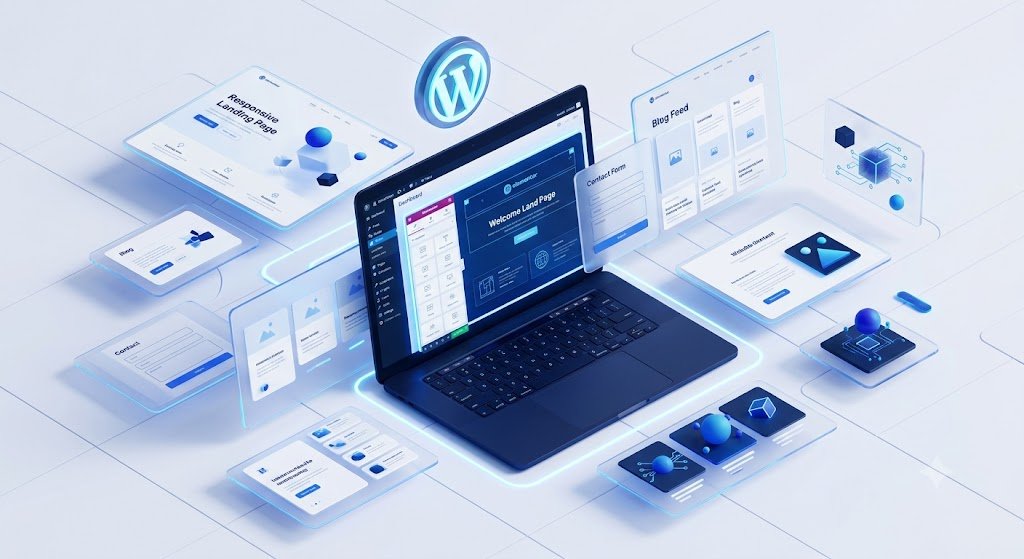
Learn to build fast, responsive and professional websites using WordPress, AI tools and modern page builders , without writing a single line of code. Powering over 43% of all websites online, it uses themes for design and plugins for extra features, ranging from simple blogs to online stores.

👥 500 + enrolled ⏱ 45 days ● Live Class
Basic WordPress Banner

Program Overview

Learn everything from domain registration to launching a professional website. This beginner-friendly program helps you create business websites, portfolios, blogs, landing pages and company websites using WordPress. You'll gain practical experience through live projects while learning AI-powered website creation, responsive design and website management.WordPress is a factory that makes webpages  is a core analogy designed to clarify the functions of WordPress:


What You Will Master:

WordPress Installation
Domain & Hosting Setup
Dashboard Management
Themes & Plugins
Elementor Page Builder
Image Optimization

LMS Course Curriculum

Step-by-step syllabus structured across academic weeks. Click on each module banner to view detailed lectures, resources, labs, and exams details.

  • Introduction to Websites & WordPress
  • WordPress.org vs WordPress.com
  • Types of Websites
  • Domain Name & Web Hosting
  • Installing WordPress
  • WordPress Dashboard Overview
  • General Settings
  • Understanding the WordPress Workflow
  • Pages & Posts
  • Categories & Tags
  • Media Library
  • Menus & Navigation
  • Widgets
  • User Roles & Permissions
  • Comments Management
  • Permalink Settings
  • Basic Website Structure
  • Website Planning
  • Introduction to Elementor
  • Elementor Interface
  • Containers & Sections
  • Widgets & Elements
  • Buttons & Icons
  • Images & Galleries
  • Forms Integration
  • Responsive Editing
  • Template Library
  • Global Settings
  • Introduction to Gutenberg
  • Page Builder Best Practices
  • Installing Free & Premium Themes
  • Theme Customization
  • Header & Footer Design
  • Color & Typography Settings
  • Creating Responsive Layouts
  • Homepage Design
  • About Us Page
  • Contact Page
  • Service Page
  • Page Builder Best Practices
  • Installing & Managing Plugins
  • Contact Forms
  • Image Gallery
  • Social Media Integration
  • Google Maps
  • Testimonials
  • Backup Plugin
  • Security Plugin
  • Website Maintenance
  • Plugin Updates
  • Connecting Domain & Hosting
  • SSL Certificate Setup
  • Website Backup
  • Website Migration
  • Basic Website Security
  • Performance Basics
  • Google Analytics Setup
  • Google Search Console
  • XML Sitemap Basics
  • Launching Your Website

Key Program Perks

💻

Live Instructor-Led Classes

Learn directly from experienced industry professionals through interactive live sessions, practical demonstrations, and real-time doubt resolution.

🌐

Domain, Hosting & Website Deployment

Master domain registration, hosting setup, SSL configuration, and deploy professional WordPress websites on live servers with confidence.

🤖

AI-Powered Website Development

Build websites faster using AI tools for content creation, design assistance, image generation, and streamlined website development workflows.

Frequently Asked Questions

This course is perfect for students, beginners, homemakers, freelancers, entrepreneurs, business owners, and working professionals who want to learn WordPress website development from scratch. No prior coding experience is required.

No. This is a beginner-friendly course where you'll learn to build professional WordPress websites without coding. Basic HTML and CSS concepts will be introduced only when necessary.

During this course, you'll create a variety of websites, including: Business Websites Portfolio Websites Blog Websites Landing Pages Educational Websites Service-Based Websites

Yes. You'll gain hands-on experience with Elementor, WordPress Block Editor (Gutenberg), and an introduction to modern page builders, helping you design responsive and professional websites with ease.

Yes. You'll learn how to use AI tools for website planning, content creation, image generation, and improving your website development workflow, making the process faster and more efficient.

Yes. After successfully completing the course and practical assignments, you'll receive a Certificate of Completion from NRewind Academy.